Coordinate search teams.
The Operator Console supports the planning and coordination of search and rescue operations. Operators divide search areas, review camera imagery and direct teams to locations that need closer inspection.
Plan the search and verify findings.
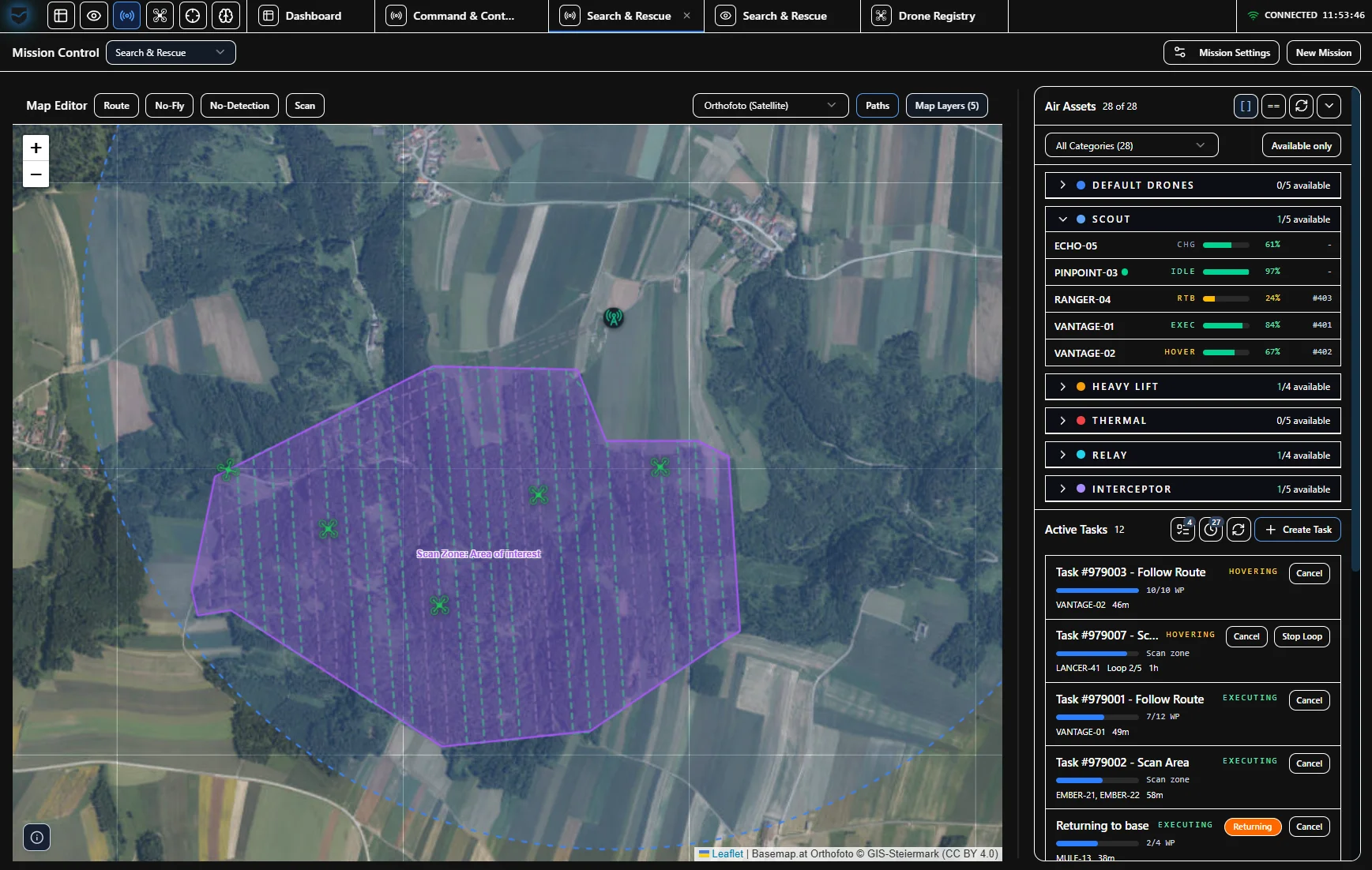
Search areas, routes and observations are recorded on the map. Operators follow ongoing tasks and decide where further imagery or an inspection by a team is needed.
Divide search areas
Define sectors on the map and plan routes. Match tasks to available teams and connected devices.
Capture observations
Review camera imagery and position data. Record relevant observations as POIs with imagery, time and source.
Assess POIs
Review the imagery and location of a POI. The operator decides whether to continue observing or send a team to inspect the location.
Send a team to the POI
The assigned team receives the location, imagery and task. Its findings add to the observation and remain available for review.
Assign search tasks and follow team reports.
The operations centre shows planned sectors, ongoing tasks and recorded POIs. Teams on site use the information relevant to their task in the mobile view.
- Search sectors and routes
- Define areas on the map and coordinate planned inspections.
- Imagery at the POI
- Review each observation with its location, time and source. The related imagery remains accessible.
- Findings on site
- Link team reports to the POI and use recordings to review the operation.
Work with your equipment.
Cameras and aircraft connect through available interfaces. Maps and operational data can be provided locally. We establish which functions and controls are available based on your devices, communication networks and approvals.
Integration & interfacesLet’s look at your search operation.
We discuss how you plan search areas, which equipment you use and how your teams work together. We then agree the scope of a demonstration, technical evaluation or pilot project.